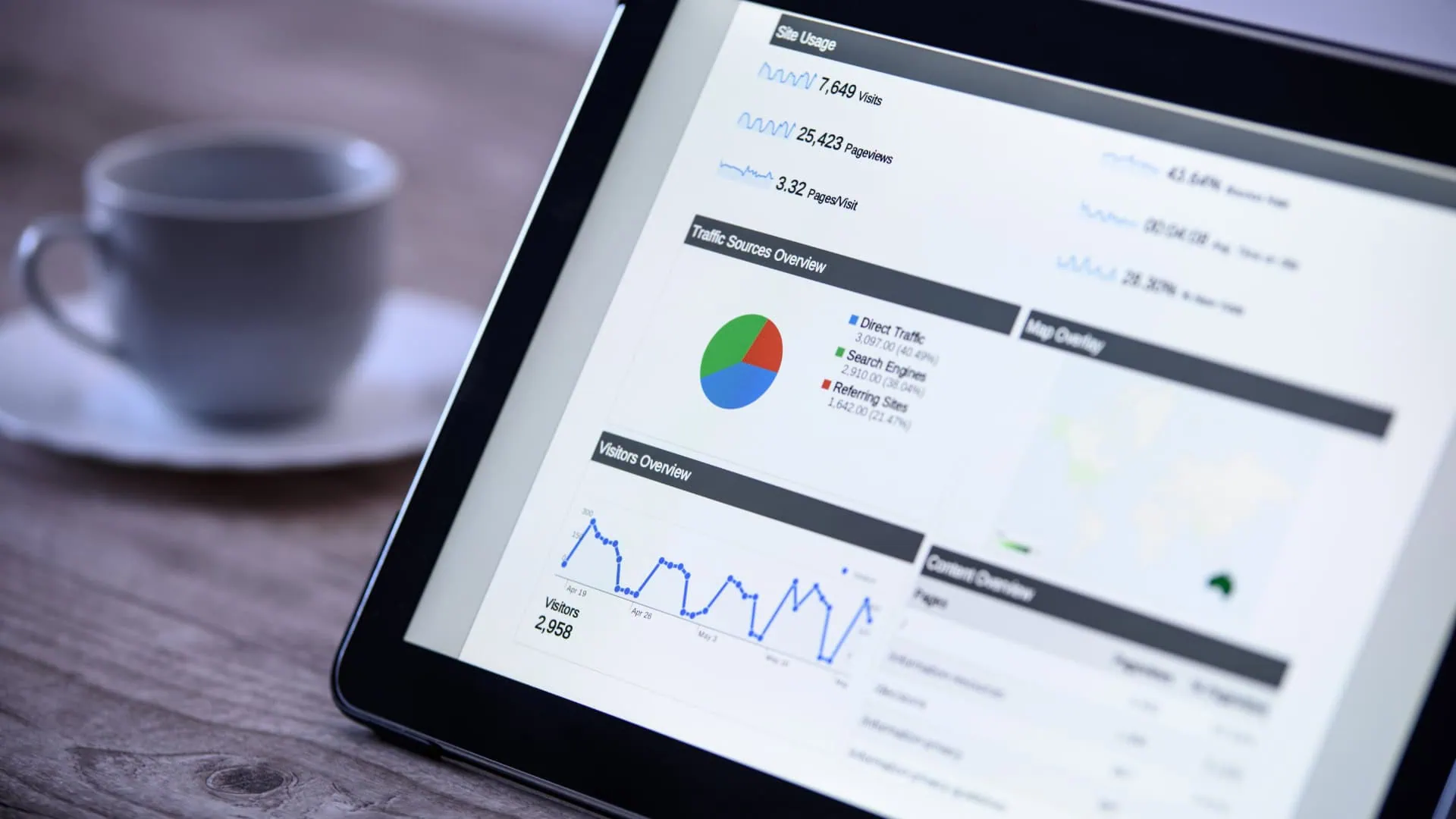
Google Analytics 4 (GA4) replaced Universal Analytics as Google’s primary web analytics platform in 2023. For South African marketers, the transition has been disorienting, the interface is different, the data model is different, and some of the reports that existed in UA simply do not have direct equivalents in GA4. But GA4 is more powerful for SEO analysis than its predecessor once you know where to look.
This guide covers the GA4 features and reports most useful for SA businesses tracking organic search performance.
Setting Up GA4 for SEO Analysis
Before you can analyse organic performance in GA4, you need to connect it to Google Search Console. This is done in GA4 under Admin → Property Settings → Search Console Links. Once connected, GA4 receives query-level data from GSC and makes it available in the Search Console integration reports.
Ensure your GA4 property has conversion events configured for the actions that matter to your business, form submissions, phone number clicks, download completions, purchase completions. Without conversion tracking, you can see that organic traffic is arriving but not whether it is converting into business outcomes. For SA B2B businesses in particular, tracking contact form submissions and quote request completions as GA4 conversions is essential for measuring organic SEO’s contribution to pipeline.
Finding Your Organic Traffic Data
In GA4, go to Reports → Acquisition → Traffic Acquisition. Change the primary dimension to “Session default channel group” and look for the “Organic Search” row. This shows you total sessions, engaged sessions, engagement rate, conversions, and revenue (if you have e-commerce configured) attributed to organic search.
For a more granular view, change the primary dimension to “Landing page + query string” to see which specific pages are receiving organic search traffic. This is useful for identifying your strongest performing organic pages and for spotting pages that have lost traffic and may need refreshing.
The “Pages and screens” report under Engagement → Pages shows performance by page with organic traffic filtering available. This is where you find pages with high organic traffic but low engagement rates, a signal that the content is not matching what searchers expected when they clicked.
The Search Console Integration Reports
The GSC integration reports in GA4 (under Reports → Acquisition → Search Console) provide query-level data that is unavailable elsewhere in GA4. The “Queries” report shows which search queries drove clicks to your site, with click counts, impressions, CTR, and average position. The “Google organic search traffic” report shows landing page performance combined with GSC data.
Use the Queries report to find terms where your content is appearing in SA search results (high impressions) but not generating meaningful clicks (low CTR). These are optimisation targets: improve the title tag and meta description to better match the user’s intent for that query.
Look for queries where you are receiving clicks but ranking at position 4–10. These represent your highest-priority ranking improvement targets, terms with demonstrated conversion potential (people are clicking and likely engaging) that sit just outside the top positions where the volume is significantly higher.
Audience Analysis for SEO Strategy
GA4’s audience reports reveal insights that directly inform your SA SEO content strategy. Under Reports → User → User demographics, you can see the geographic distribution of your organic visitors, which SA cities and provinces are generating the most traffic, and whether that matches your actual target market.
Device breakdown (Reports → Tech → Tech overview) shows the mobile vs desktop vs tablet split for your organic visitors specifically. In SA markets, a high proportion of mobile organic visitors means page speed on mobile is a direct revenue concern and should be prioritised in your technical SEO work.
The “User acquisition” cohort analysis shows retention patterns, do visitors acquired through organic search return to your site? High-retention organic cohorts indicate that your content is genuinely valuable to your audience, which correlates with stronger topical authority signals over time.
Connecting Organic Traffic to Revenue
For SA businesses with e-commerce or quantifiable lead values, the most important GA4 SEO report is the conversion attribution by channel. Under Reports → Acquisition → Traffic Acquisition, configure the table to show conversions and revenue by channel. This shows organic search’s absolute contribution to business outcomes.
For B2B businesses where a single organic lead might be worth hundreds of thousands of rands, even modest organic traffic volumes can represent exceptional ROI. GA4 lets you see this clearly, and this is the data that makes the internal case for continued SEO investment in the language that SA CFOs and CEOs actually respond to.
Book an analytics setup service to ensure your GA4 and Search Console integration is configured correctly for SA market SEO analysis.